

Endacopia Beginner Guide
How to play
You act as Mellow's guardian angel, pointing the way and choosing how he interacts with the world. Movement is WASD; the mouse handles everything else. You cycle between Observe (Mellow comments), Touch/Interact (use the environment or items), and Talk (speak to characters) with the right mouse button, then trigger the equipped action with the left mouse button. There is no controller support, and almost anything in the scene — even a light fixture Mellow can't quite reach — can be clicked on for a reaction.
Core gameplay loop
Walk through a location, click on anything that catches your eye, talk to whoever will answer, pick up items, and try them on the environment. When an area has given you what it can, head back to the green hills and pick a different door. Once you've beaten a boss, the game sends you back to the house for a short, more linear interlude before opening up the next area.
Controls
WASD moves Mellow. Right-click (M2) cycles between Observe, Touch, and Talk — the cursor icon shows which is active. Left-click (M1) triggers the equipped action on whatever is under the cursor. Click on Mellow with Interact equipped to open your inventory and pick the item you want to use. Quick-time moments use the same WASD keys for prompts, and a few mini-games use Space to jump or time presses.
How progression works
Mellow starts the game missing his eyes, mouth, and hands, so you only solve what walking and bumping lets you solve until those senses come back. The three major areas — Timesville, Misery Town, and the Office — each gate one of those senses and can be tackled in almost any order. After each area's boss, you briefly return to the house for a more focused story beat before unlocking the next region.
Inventory basics
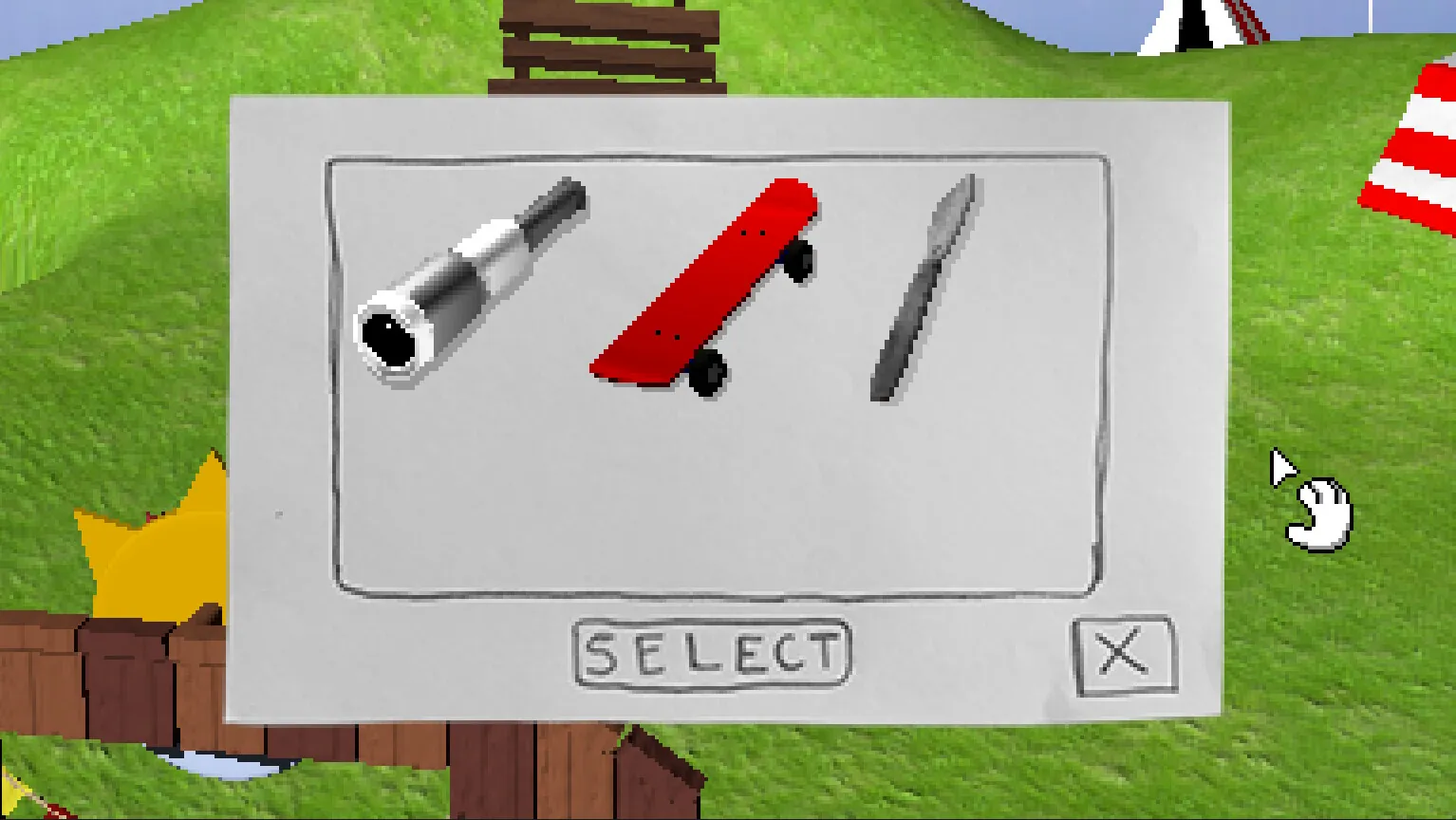
Click Mellow with the Interact action to open the inventory. Pick the item you want, then left-click on the thing in the world you want to use it on. Tools like the Telescope or Metal Detector spring into action on their own when you click them; most other items only matter in specific spots, so don't expect pixel hunting — anything Mellow can actually pick up is clearly visible.
Combat basics
Combat is first-person and played like Punch-Out!!. The screen shows only Mellow's fists at the bottom and the boss across from you. Left-click throws punches, right-click raises a block, and Mellow's fists track your cursor so you can swing to the left, middle, or right lane. Bosses telegraph attacks from one side and only take damage when you hit their vulnerable spot, so a lot of each fight is learning the pattern. If you'd rather skip a boss, the reviews report puzzle-based alternatives for every required fight.
Mini-games at a glance
Every area adds its own mini-games. Misery Town gets a toy-train section, a whack-a-mole with clowns in a particular order, and a clown-puzzle finale. Timesville adds fishing and a top-down stealth spotlight sequence. The Office has dice gambling, slot machines, and a phone desk job with branching dialogue. Most mini-games reuse the same WASD-and-mouse scheme and only take a minute or two each.
Where to go next
Complete Walkthrough
Chapter-by-chapter route through Timesville, Misery Town, and the Office.
Puzzle Guide
Solutions for every puzzle, including the soccer ball and clown puzzle.
Items & Inventory
Where the Telescope, Metal Detector, and other key items come from.
Bosses & Combat
Boss patterns, attack lanes, and how each required fight plays.
Mini-games
Fishing, gambling, whack-a-clowns, and the toy-train section.
Fishing Guide
Fish types, time slots, and the aquarium completion path.
Demo Guide
What the demo covers and where to download it.